Cryptography
⚠️ Legacy documentation
This article describes a feature of the earlier version of Vooki. Vooki Pro does not include this feature. The article is kept for reference only. For current guides, see the Vooki Pro documentation.
Choose cryptography from the left navigation bar. In cryptography, we have 3 types:
- Encoder/Decoder
- Encryption/Decryption
- Hashing
Encoder/Decoder
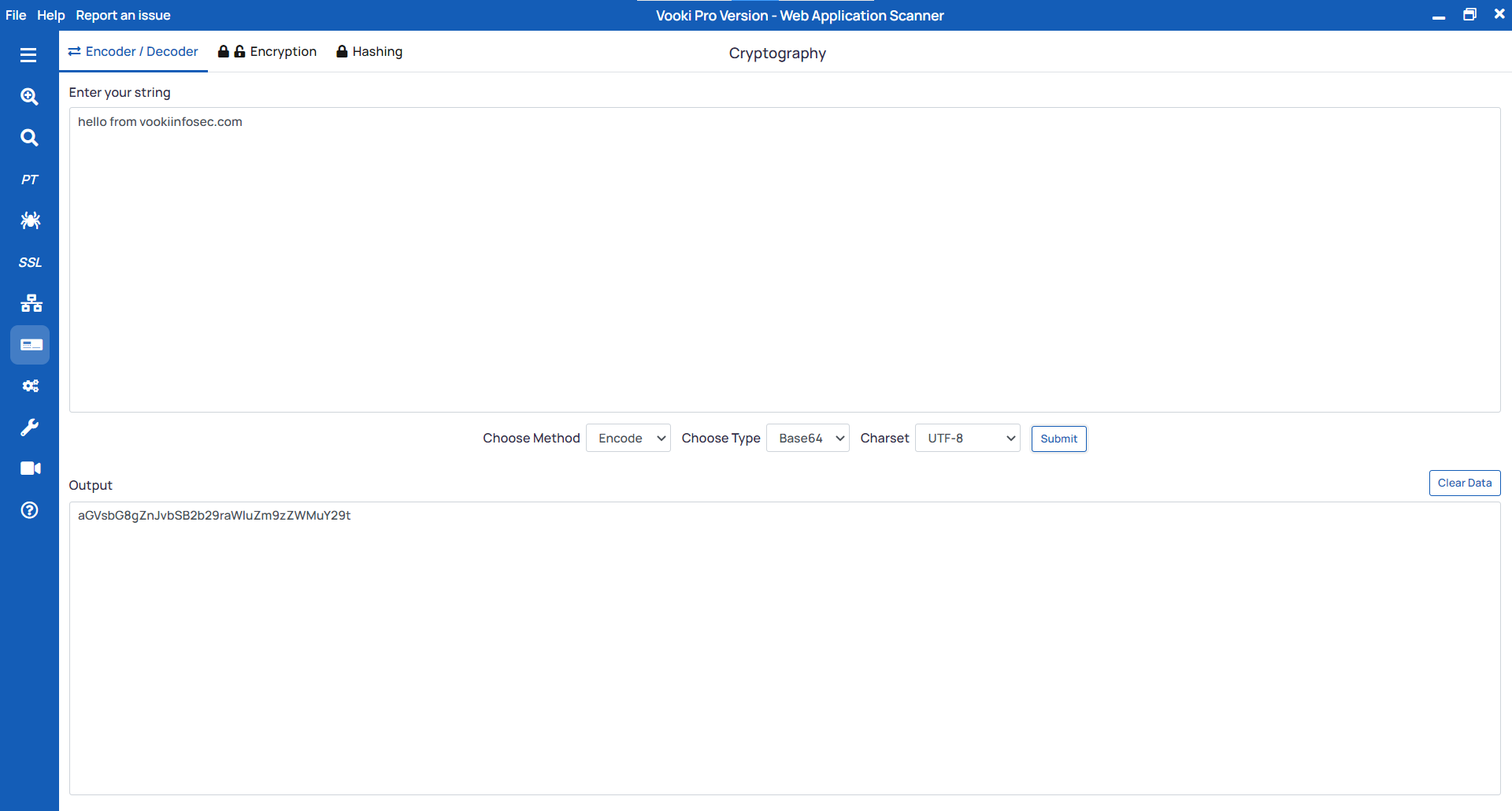
- Select "
Encoder/Decoder" from the tab. - Enter the string you need to encode or decode.
- Select the method to encode or decode, as well as the encoding type (URL or Base64).
- Click on "Submit" to perform the encoding or decoding.
Encryption/Decryption
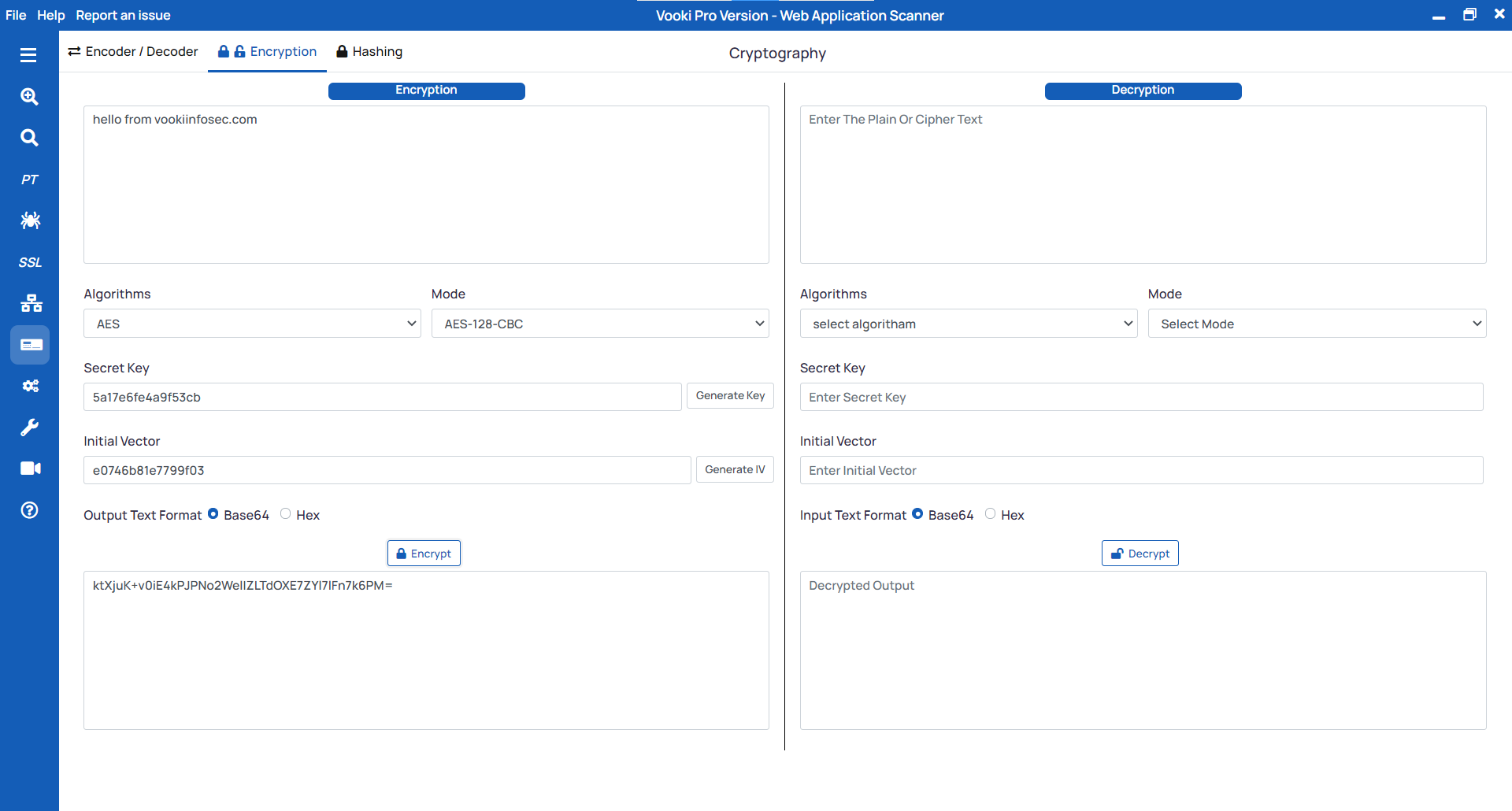
Steps to encrypt the string
- Select the
Encryptionfrom the tab. - Enter the string you need to encrypt.
- Choose the
Algorithm,Modefrom the list. - Generate the
Secret Key,Initial Vector - Select the output text format and click on
Encrypt.
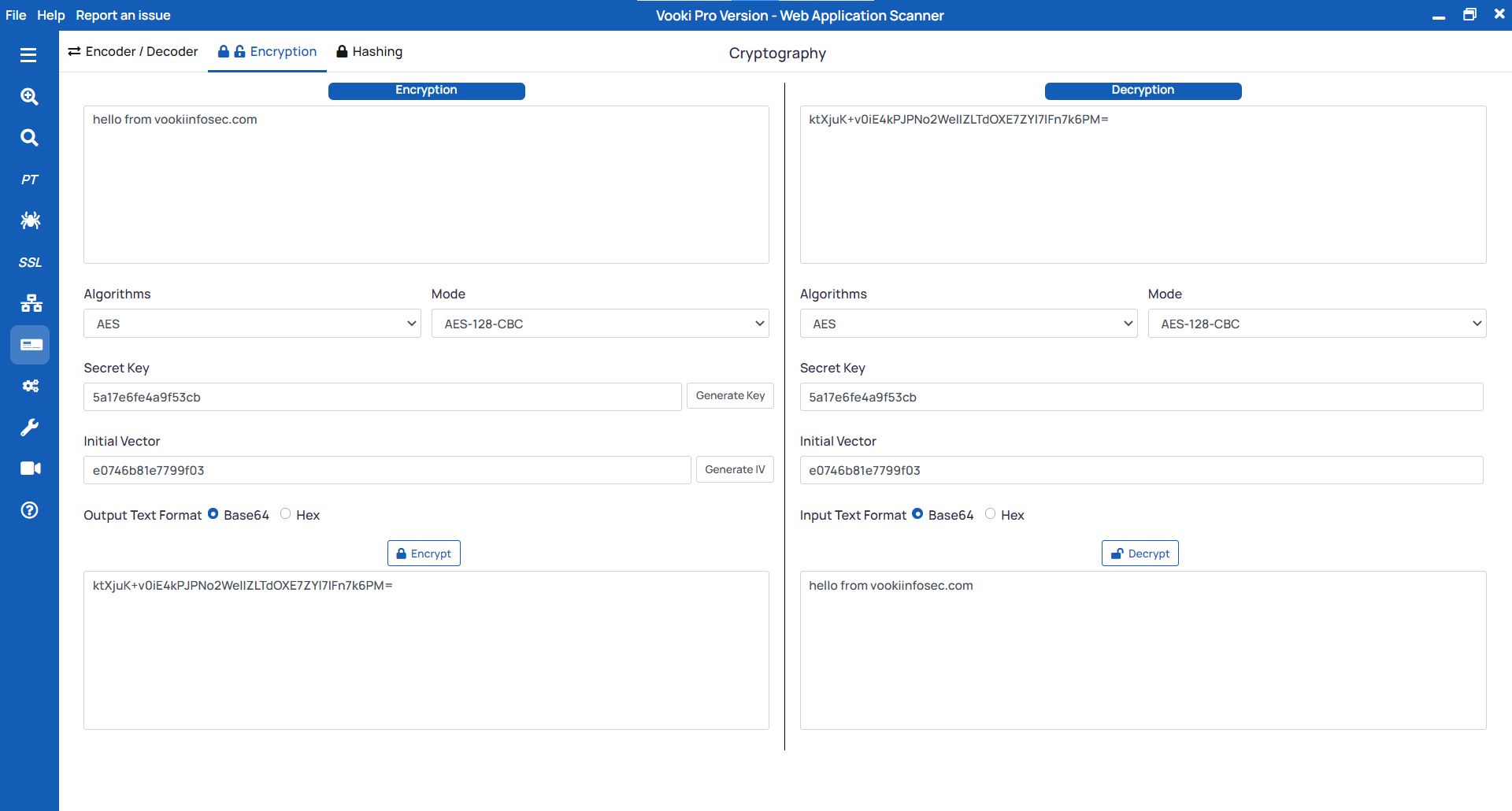
Steps to decrypt the string
- Enter the string you need to decrypt on the right side under the
Decryption. - Choose the
Algorithm,Modefrom the list. - Enter the
Secret Key,Initial Vector - Click on the Decrypt.
Hashing
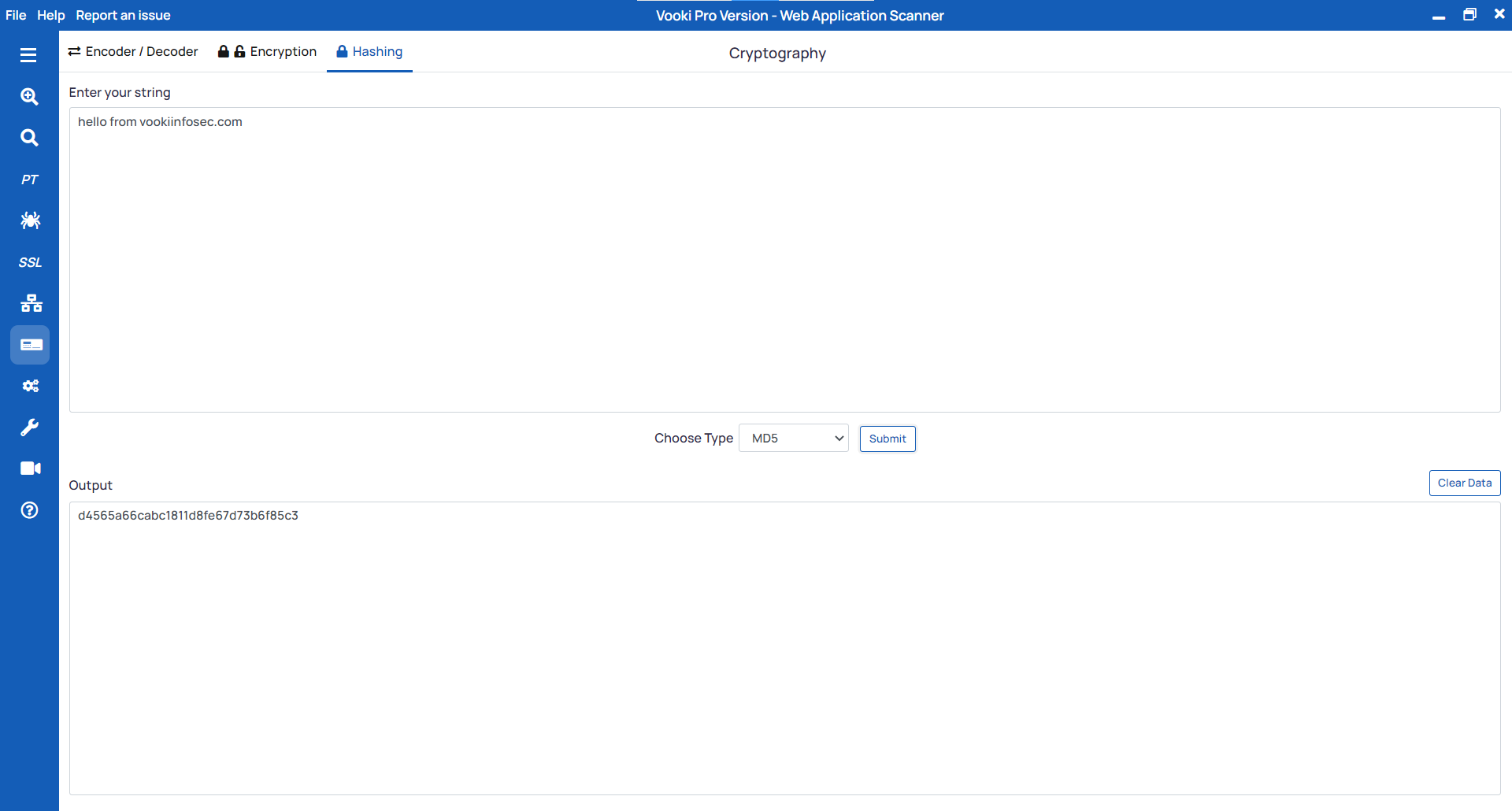
Steps to hash the string
- Select the
Hashingfrom the tab. - Enter the string you need to hash.
- Choose the hashing algorithm and click on
Submit.
Watch the video demo of How to use Cryptography