Crawler
⚠️ Legacy documentation
This article describes the earlier version of Vooki. Its screens and steps may not match Vooki Pro. Current version of this article: Crawling a website (Discovery settings). All current guides are in the Vooki Pro documentation.
The Vooki crawler performs an in-depth scan of your website and presents a list of web pages available on the domain. Collected URLs will be available in the captured URL tab.
How to use?
- Choose "Crawler" from the left navigation bar.
- Enter the URL to be scanned and press the "Scan" button.
- When you click scan, you will get a pop-up; fill it out.
- Crawler
- Authentication
- CSRF token generation
Crawler Configuration: Concurrent Request allows you to send the number of parallel requests; Web Crawler Timeout allows you to set the timeout for the crawling request.
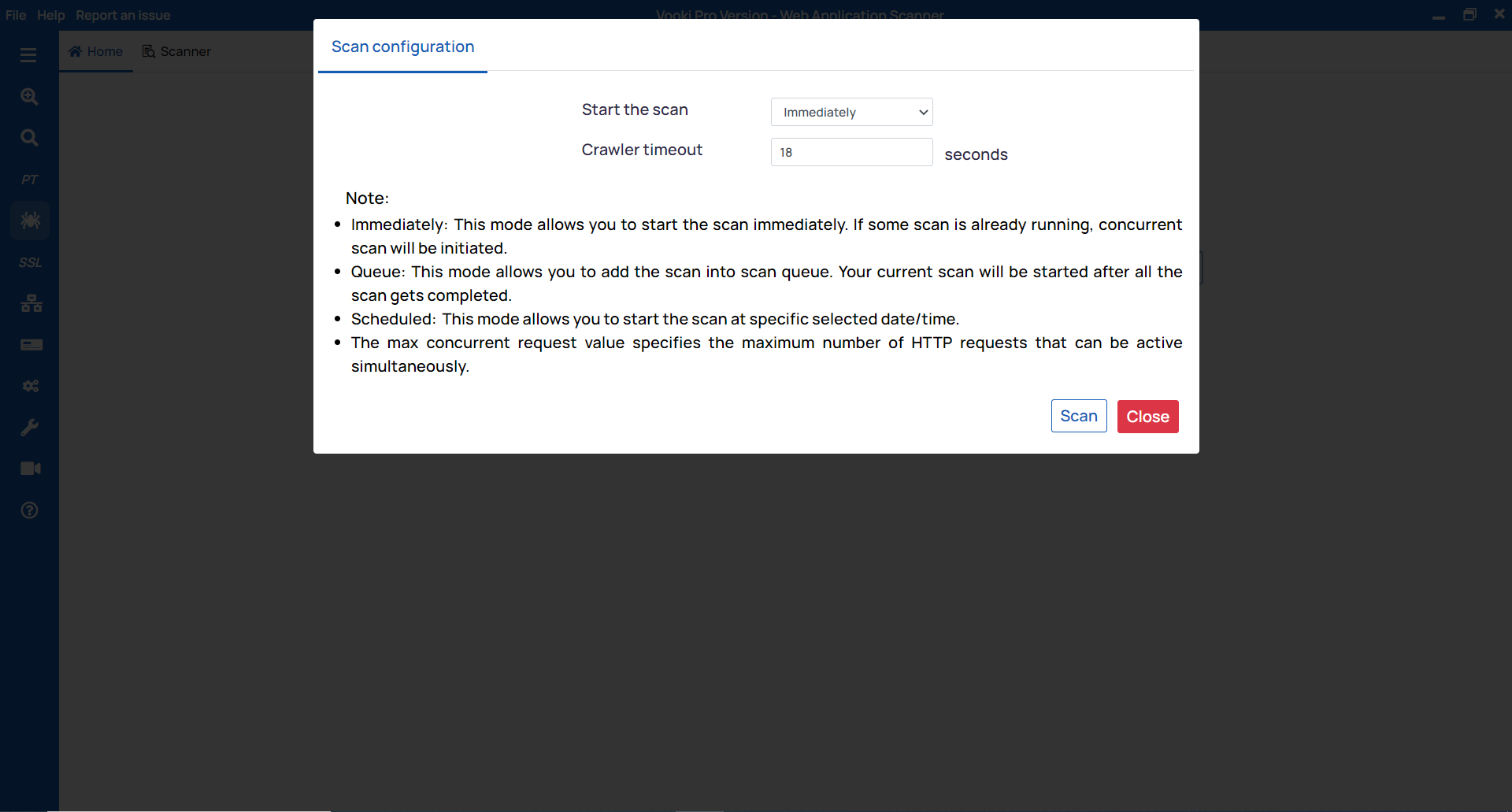
After the scan is completed, you can see the crawled URL in the
Crawled URLs tab.Watch the video demo of How to use Crawler